Scripting an effective corporate training video requires a clear understanding of your learning objectives and audience, translating complex information into actionable, engaging content.
Scripting an effective corporate training video involves defining clear learning objectives, outlining content, and meticulously detailing both narration and visuals to create engaging, actionable educational content.
As an L&D lead, you know a training video is only as good as the learning outcomes it drives. It's not just about filming someone talking; it's about engineering a learning experience that sticks. I've watched many training initiatives succeed or fall flat based on the script. A great script is the blueprint for a video that changes behavior, imparts critical knowledge, or streamlines onboarding.
Hylton Media Group frequently partners with L&D teams, taking their training goals and translating them into compelling video content. We understand the specific challenges of corporate training: explaining complex processes, ensuring compliance, or fostering new skills. Our training & e-learning video production process starts long before a camera rolls, with a deep dive into your script to ensure it aligns perfectly with your pedagogical goals.
Here's a step-by-step workflow to help you script a training video that truly makes an impact:
Define Your Learning Objectives and Audience
Before you write a single word, get crystal clear on what you want your learners to achieve. What specific knowledge or skills should they gain? What actions should they be able to perform differently after watching? These are your learning objectives. Make them SMART: Specific, Measurable, Achievable, Relevant, and Time-bound.
Then, consider your audience. Are they new hires needing basic compliance training? Experienced team members learning a new software feature? Front-line staff needing to understand a new safety protocol? Their existing knowledge, attention span, and preferred learning styles will dictate your tone, complexity, and even the length of your video segments. A training lead at a fintech company told us last quarter that breaking down complex financial concepts into 3-5 minute modules was key for their busy sales team.
Outline Key Messages and Structure
Once objectives are solid, map out the core messages. What are the 3-5 most important points you need to convey? For a training video, a logical flow is critical. Think about a classic instructional design model: Introduction (hook, state objective), Present Information (break down concepts), Demonstrate (show, don't just tell), Practice (even if implied, how can they apply it?), Review (recap key points), and Call to Action (what next?).
For example, if you're training on a new CRM system, your outline might look like this:
- Introduction: Why the new CRM? Benefits for users.
- Module 1: Navigating the Dashboard (overview of UI).
- Module 2: Entering New Client Data (step-by-step demo).
- Module 3: Generating Reports (how to pull data).
- Module 4: Troubleshooting Common Issues (FAQs, where to find help).
- Conclusion: Recap, next steps, resources.
Each module can be a separate video or a distinct section within a longer one, depending on complexity.
Choose Your Format and Tone
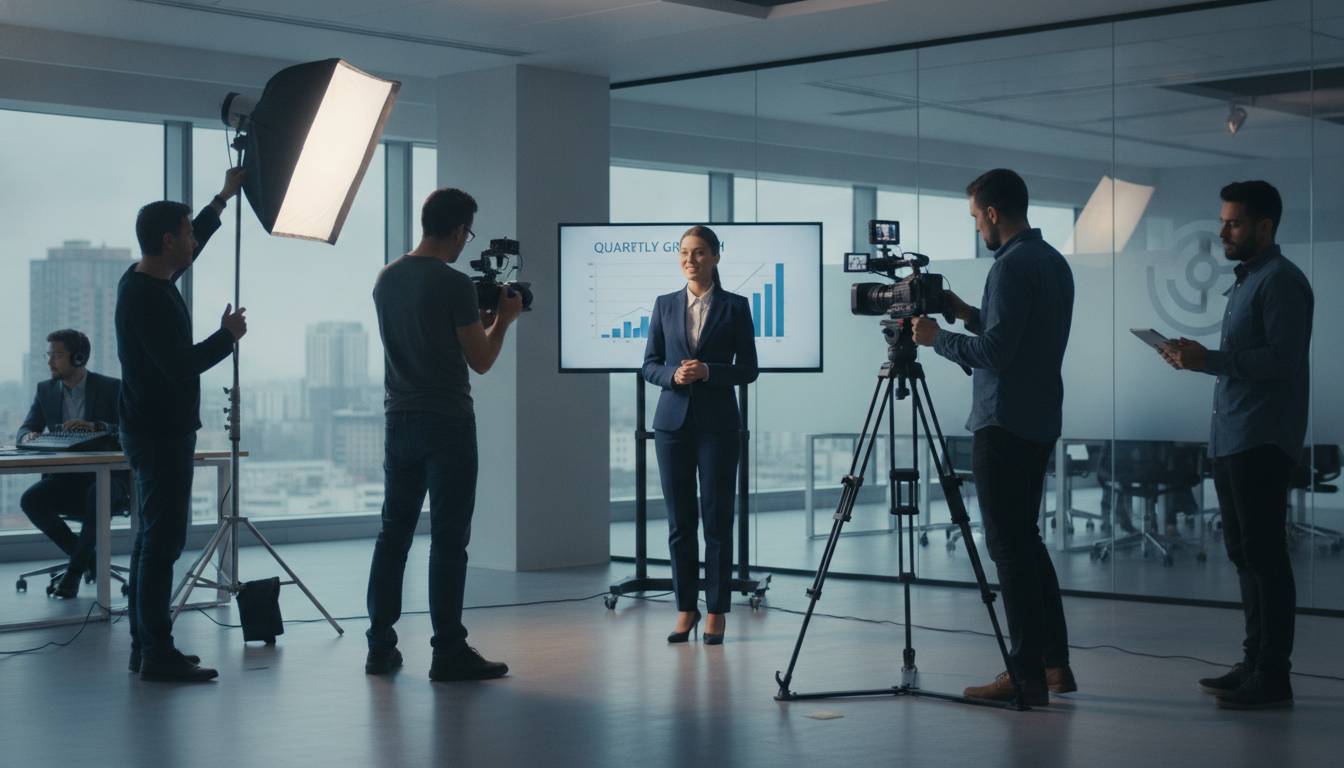
The format of your training video should support your content and audience. Will it be a talking head expert delivering information? A screen recording with voiceover for software training? An animated explainer simplifying a complex process? A role-play scenario demonstrating proper customer service? Maybe a combination of these. Hylton Media Group's training & e-learning video production team can help you decide which visual approach best suits your script and learning goals.
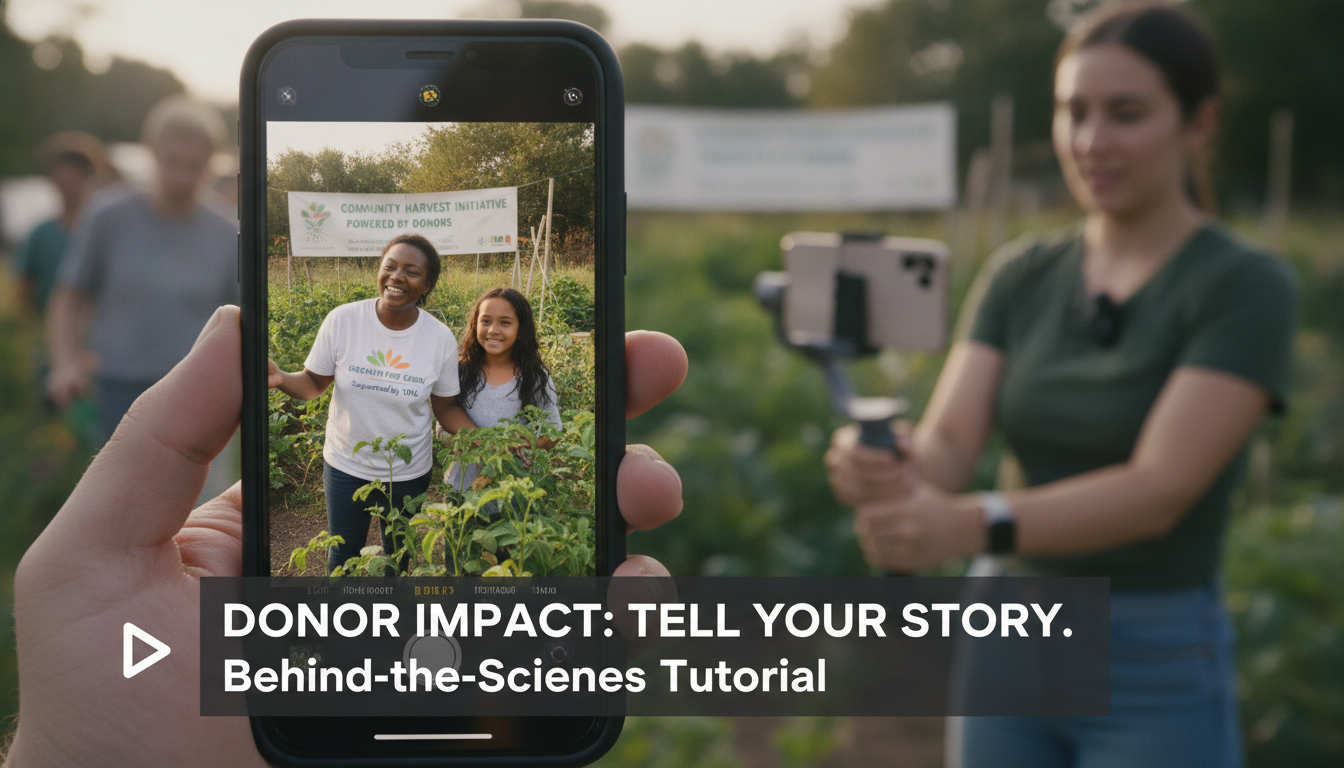
The tone is equally important. Is it formal and authoritative for legal compliance? Friendly and encouraging for onboarding? Empathetic for sensitive topics? Your brand's voice and your company culture should shine through, making the training feel authentic and relatable. This is similar to how we approach a donor impact video — the tone must resonate with the audience.
Write the Script: Dialogue and Narration
Now, start writing the actual words. For dialogue, write it as people naturally speak. Avoid jargon where possible, or explain it clearly if it's essential. Keep sentences concise. For narration (voiceover), focus on clarity and directness. Read it aloud to catch awkward phrasing. A good script feels conversational, not like a lecture.
Consider:
- Opening Hook: How will you grab attention in the first 10-15 seconds?
- Key Terms: Introduce and define them clearly.
- Examples/Analogies: Use relatable scenarios to illustrate points.
- Transitional Phrases: Guide the learner smoothly from one idea to the next.
- Review Points: Reiterate critical information.
Don't be afraid to break up long explanations. Short bursts of information are easier to digest.
Add Visual Cues and Actions
This is where your script becomes a true production document. Alongside your dialogue/narration, describe exactly what should be happening on screen. This isn't just for the video production crew; it helps you visualize the learning experience.
Include details like:
- On-screen text/graphics: Key terms, statistics, bullet points.
- B-roll footage: What supporting visuals will be shown while the narration plays? For a safety training, this might be a close-up of someone properly wearing PPE.
- Demonstrations: Step-by-step visual instructions for software, equipment, or processes.
- Presenter actions: Gestures, pointing to a screen, interacting with an object.
- Transitions: How will scenes change?
For example, instead of just saying, "Explain the new software feature," your script might read:
NARRATOR (VOICEOVER): "To activate the new workflow automation, navigate to your settings dashboard."
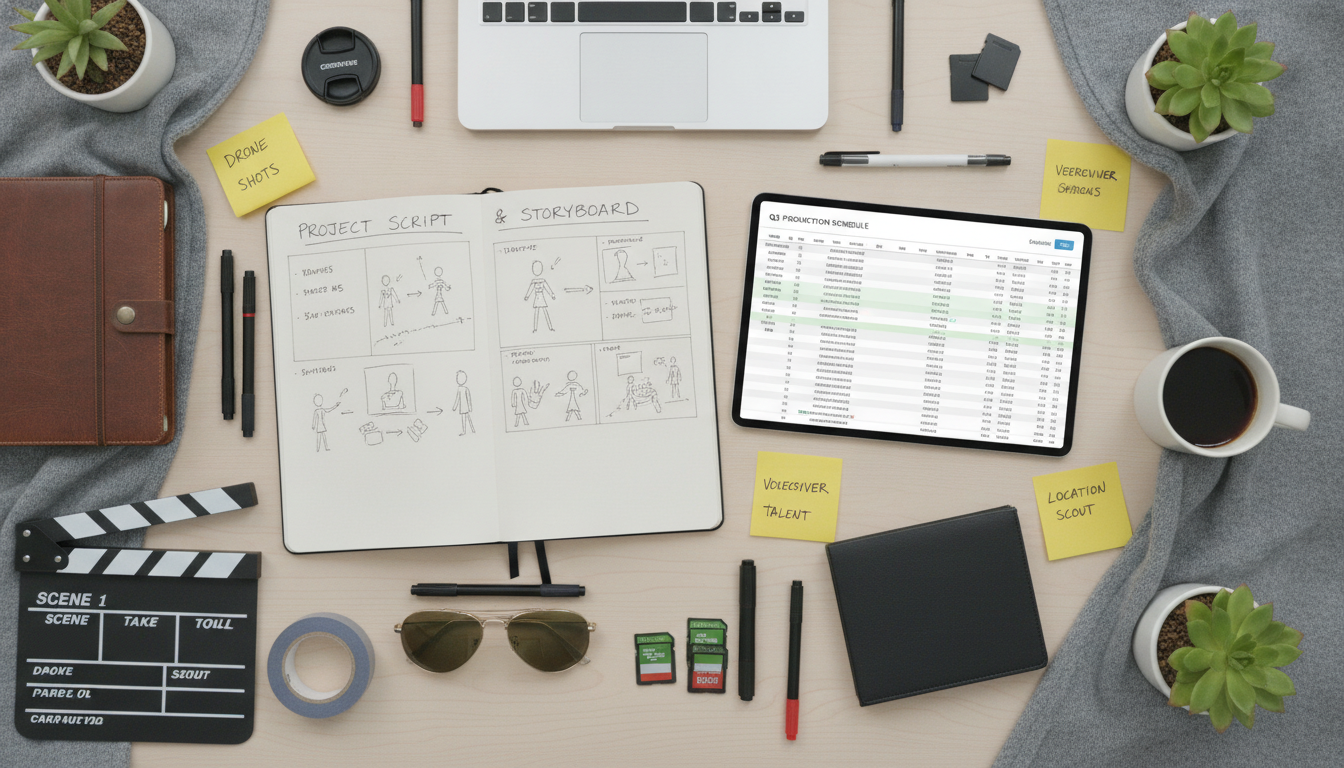
VISUAL: SCREEN RECORDING: Mouse clicks on 'Settings' icon, then 'Workflow Automation' tab highlights. CLOSE-UP of mouse hovering over 'Activate' button.This level of detail ensures everyone on the production team understands your vision and helps Hylton Media Group's production crew capture exactly what's needed.
Review and Refine with Stakeholders
Once you have a solid draft, it's time for feedback. Share your script with subject matter experts (SMEs) to ensure accuracy. Get input from other L&D professionals for pedagogical effectiveness. If applicable, have legal or compliance teams review specific sections. A marketing director might weigh in on brand consistency, similar to how they'd approach employer branding videos. Be open to revisions; this collaborative process strengthens the final product.
Look for:
- Clarity and conciseness
- Accuracy of information
- Engagement factor
- Alignment with learning objectives
- Feasibility for production (can we actually film this?)
Two review rounds are standard for Hylton Media Group projects, but for complex training, you might need more.
Plan for Interactivity and Follow-up
A training video rarely stands alone. How will it integrate into your broader learning management system (LMS)? Will there be quizzes or knowledge checks immediately after a module? Discussion prompts? Downloadable resources like PDFs or checklists? Incorporate references to these elements within your script. For instance, "After this module, please complete the short quiz linked below." This reinforces learning and provides measurable outcomes.
Think about how the video fits into the overall learning journey. Is it a prerequisite for an in-person workshop? A refresher for an annual compliance review? Planning for these connections during scripting makes your video a more effective part of a holistic training program.
Scripting an effective corporate training video is a detailed process, but it's the most critical step in creating impactful learning content. By focusing on your audience, objectives, and a clear, visual narrative, you'll lay the groundwork for a video that truly educates and engages your employees.
Ready to translate your training vision into a powerful video? Hylton Media Group specializes in training & e-learning video production for Fortune 500 brands and mid-market companies. We can help you turn your script into a polished, professional learning tool, delivering multi-platform-ready content with captions and various aspect ratios.
Let's discuss how we can bring your next training initiative to life. Book a 30-min discovery call with our team to start planning your project.
FAQ