Effective SaaS product demo videos clearly show value, solve a user's problem, and guide viewers to action. Focus on user benefits, keep it concise, and plan your narrative to maximize conversion rate
A compelling SaaS product demo video is a powerful tool for converting prospects into users by clearly showcasing your solution's value and ease of use.
As a SaaS founder, you know your product inside and out. But translating that deep knowledge into a concise, engaging video that resonates with potential customers? That's a different challenge. A great product demo isn't just a screen recording; it's a strategic sales tool. It needs to articulate the problem your software solves, demonstrate the solution elegantly, and compel viewers to take the next step. I've watched many startups struggle to get this right, either overcomplicating it or missing the core value proposition. Here's a practical, step-by-step approach to creating a saas product demo video that truly performs.
Why Your SaaS Needs a Killer Product Demo Video
In the crowded SaaS landscape, attention is a precious commodity. Text-heavy feature lists can't capture the dynamism and user experience of your software like a video can. A well-executed saas product demo video:
- Builds Trust: Seeing is believing. A clear demo shows your product actually works.
- Educates Efficiently: Complex features become understandable when shown in action.
- Boosts Conversion: Videos on landing pages can significantly increase sign-ups or free trial starts.
- Saves Sales Time: Qualifies leads by answering common questions before a sales call.
- Enhances SEO: Video content keeps users on your site longer and can rank in search results.
But it's not enough to just 'have' a video. It needs to be strategic. So, let's break down the process.
Define Your Goal and Target Audience
Before you even think about cameras or screen capture software, get crystal clear on what you want this video to achieve and who it's for. Are you aiming for free trial sign-ups, enterprise demo requests, or feature adoption for existing users? Your goal will dictate the video's length, tone, and call to action.
Who is Your Ideal Viewer?
Consider your target persona. What are their pain points? What problems keep them up at night that your SaaS solves? A marketing director, for example, will have different needs and interests than a CTO or a small business owner. Tailor your language, examples, and the features you highlight to speak directly to them. This foundational step is critical. Without it, you're just showing features, not solving problems.
Craft a Compelling Narrative and Script
A great product demo isn't a tutorial; it's a story. Think about a classic narrative arc: problem, solution, benefit, call to action. Keep it concise – most effective SaaS demo videos are under 2 minutes, often closer to 90 seconds.
- Problem: Start by clearly stating the pain point your audience experiences. Make them nod their head in agreement.
- Solution: Introduce your SaaS product as the hero. Show *how* it solves that specific problem.
- Demonstration: This is where you actually show the product. Focus on the most impactful features that directly address the problem. Don't try to show everything.
- Benefit: Translate features into tangible benefits. How does using your product make their life easier, save them money, or boost their productivity?
- Call to Action (CTA): What do you want them to do next? Sign up for a free trial? Book a demo? Visit a specific landing page? Make it explicit.
One of our brand-manager clients found that by focusing on a single, core problem and showing a clear resolution, their conversion rate on landing pages jumped by 15%. If you're thinking about the broader narrative for your brand, consider the principles we discuss in How do I plan a corporate brand film from kickoff to delivery.
Plan Your Visual Strategy and Production
Now that you have your story, how will you tell it visually? This involves decisions about screen recording, live-action elements, and overall visual style.
Screen Capture vs. Live Action vs. Animation
- Screen Capture: Essential for showing your UI in action. Ensure your interface is clean, free of distractions, and easy to follow.
- Live Action: Can add a human touch, showing users interacting with your product in a real-world scenario. This is especially powerful for establishing relatability and trust.
- Animation: Great for explaining complex concepts simply or for creating visually engaging transitions.
Often, the most effective saas product demo video combines screen capture with professional voiceover and perhaps some subtle motion graphics to highlight key UI elements. For founders considering bringing in professional help, understanding How do I hire a corporate video production company can streamline your process.
Pre-Production Essentials:
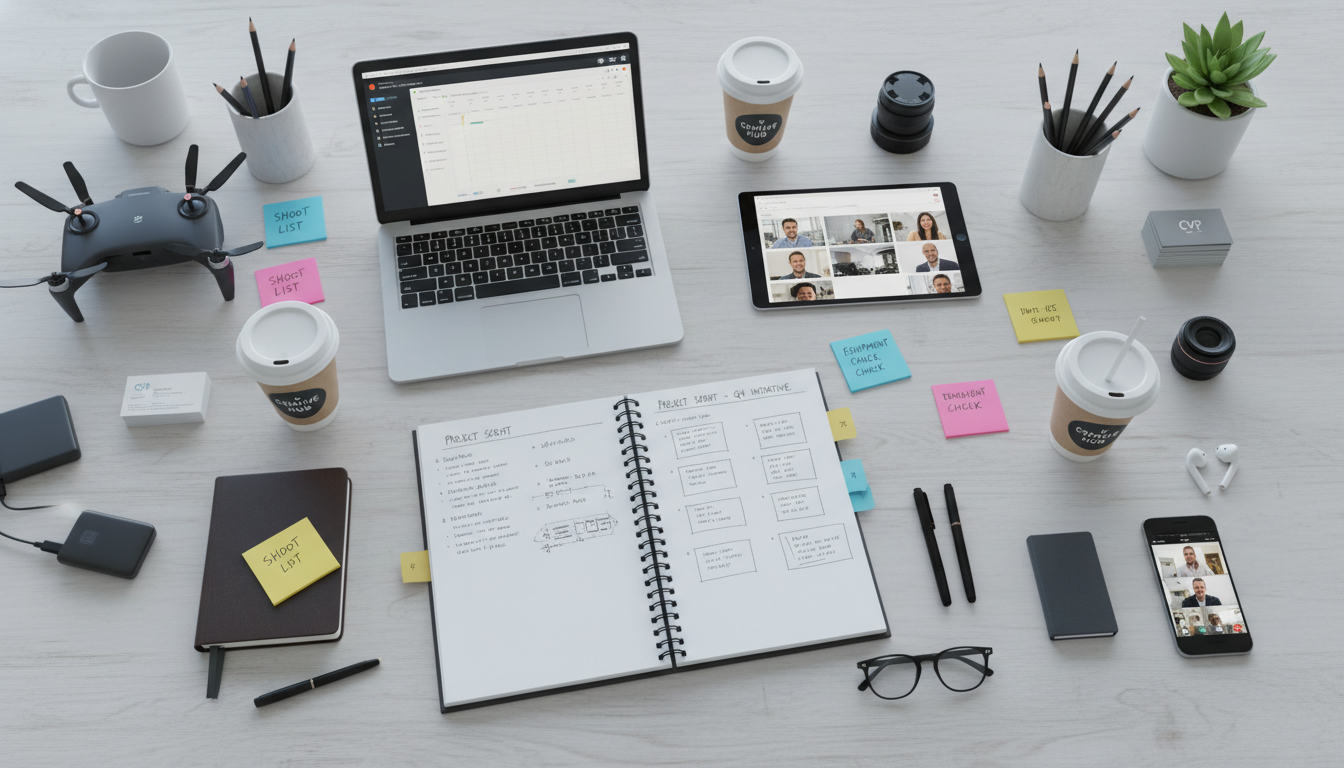
- Shot List: Even for screen recordings, plan out every click, scroll, and menu navigation.
- Talent: If using live action, choose someone who embodies your brand and can deliver lines naturally.
- Location: If shooting live action, a clean, well-lit environment is key.
- Gear: High-quality screen recording software, a good microphone for voiceover, and professional camera gear if you're including live-action segments. Hylton Media Group's corporate video production team regularly handles projects that blend screen capture with live-action interviews or user scenarios, bringing complex software solutions to life with clear, engaging visuals.
The Shoot: Recording Your Demo
Whether it's screen capture or live action, execution matters. Poor quality reflects poorly on your product.
Screen Recording Tips:
- Clean UI: Close all unnecessary tabs, notifications, and desktop icons. Use a demo account with relevant, clean data.
- Smooth Transitions: Practice your clicks and scrolls to be deliberate and smooth.
- High Resolution: Record at the highest possible resolution to ensure clarity.
- Voiceover First or Last? Some prefer to record the voiceover first and then match the screen actions; others do the screen actions and then script the voiceover to match. Find what works for you.
Live Action Tips:
- Lighting: Good lighting makes a huge difference. Avoid harsh shadows or overly dark shots.
- Audio: This is paramount. Use a high-quality lavalier mic or boom mic. Muffled audio is a quick way to lose viewer engagement. Hylton Media Group's camera crew for hire in Atlanta comes equipped with professional audio setups, ensuring crisp, clear sound for your talent and voiceover.
- Performance: Guide your talent to be natural and enthusiastic. Their energy should be contagious.
Post-Production: Polishing Your SaaS Demo Video
This is where your raw footage transforms into a polished, persuasive asset. Don't underestimate the power of a professional edit.
- Editing: Keep it tight. Cut out any dead air, fumbles, or unnecessary pauses. The pace should be brisk but not rushed.
- Motion Graphics & UI Animation: Use subtle animations to highlight clicks, draw attention to specific features, or animate data within your UI. This helps guide the viewer's eye.
- Sound Design: Beyond clear voiceover, consider subtle sound effects for clicks or transitions, and professional background music that complements your brand's tone.
- Color Grading: Ensure consistent colors and a professional look across all your footage.
Our post-production team at Hylton Media Group handles everything from sleek UI animations to professional voiceovers and custom motion graphics, ensuring your saas product demo video looks and sounds incredible. And when it comes to reviewing those edits, our insights on How do I review video edits as a brand manager can be a real time-saver.
Distribute and Optimize for Conversion
Once your saas product demo video is finalized, it's time to get it in front of your audience and measure its impact.
- Landing Pages: Embed your demo video prominently on product pages, feature pages, and your homepage.
- Social Media: Create shorter, punchy cut-downs for platforms like LinkedIn, Instagram, and TikTok. Use captions for accessibility.
- Email Campaigns: Include a thumbnail with a play button in your emails to boost click-through rates.
- Sales Enablement: Equip your sales team with the video to use in their outreach and presentations.
- A/B Testing: Test different video lengths, CTAs, and even thumbnails to see what resonates most with your audience.
- Analytics: Track views, engagement rates, and most importantly, conversion rates directly attributable to the video.
We also handle multiple delivery formats – 16:9 for your website hero, 9:16 vertical for social media stories, and short cut-downs for paid ads – ensuring your saas product demo video works everywhere you need it.
Ready to Elevate Your SaaS Demo?
Creating a high-converting saas product demo video is an investment that pays dividends. It requires a clear strategy, compelling storytelling, and professional execution. By focusing on your user's problem and showcasing your solution with clarity and polish, you'll create a powerful asset for your startup.
If you're an Atlanta-based startup, or need a video production partner who understands the nuances of tech and can travel to you, Hylton Media Group is here to help. Our team produces brand films, customer case studies, and product launch videos for Fortune 500 companies and growing startups alike. We can handle everything from concept to final delivery, ensuring your saas product demo video stands out and drives results.
Ready to produce a saas product demo video that truly converts? Book a 30-min discovery call with our team to discuss your vision and how we can bring your product to life.
FAQ